⭐️ When getting back posts using the API it will only return published posts. Add the parameter of `status` and pass in "drafts", "archived" or "all" to get back any posts with the relevant status.
🐛 Fixed an issue with search not working correctly on the blog archive page.
🐛 Fixed an issue with an occasional error being thrown on the blog archive page when certain conditions were not met for posts with no title.
🧹 Tweaked some spacing issues for the post content in the list view on both the dashboard and your blog.
🧹👾 Updated the blog settings page to add more details of each setting page. Also introduced a sidebar to allow you to easily navigate between sections.
⭐️ Upgraded to the latest Tailwind CSS (version 4) — this should allow you to more easily override some styling for your blog. Note that I'll work on making this a little bit more friendly as time goes (baby steps right now).
🧹 In addition to the tailwind update above note that the Inter font is no longer used.
😅 The explore section is now behind login and will eventually be removed. I want to focus mainly on the blogging experience.
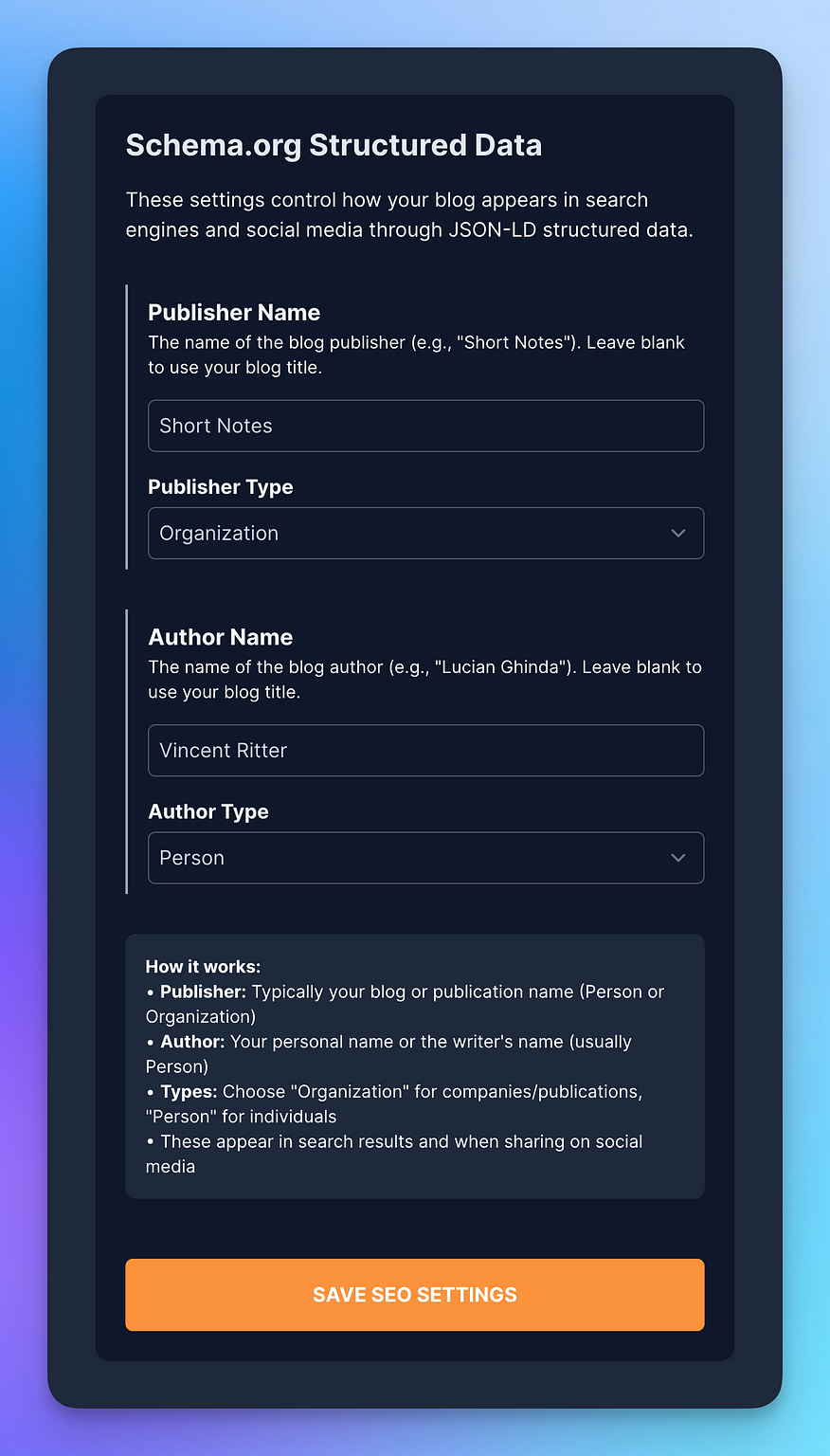
📊 Added the ability to set both a JSON-LD Publisher and Author Name, including type on a blog by blog basis, if you want to override the defaults. Find it in SEO settings for your blog.
🐛 Fixed an issue that didn't bring back the correct response when creating drafts via Micropub. I welcome you to give it a try with iA Writer. When posting a draft you now go to the correct page on Scribbles. Pretty nice.
🚀 Yesterday I mentioned MicroPub API for posting, and today I am happy to announce a full REST JSON API to work with. You can find instructions in the API Settings screen to get started. Using the JSON API is super powerful and will allow you to get back everything you need — and also create, update and delete posts. I'll post about it more in the coming weeks. MicroPub is meant only for posting really, and the JSON API is for a more modern API responses and data. This is all still in early preview, but please just get in touch if there is anything.
🐛 Fixed a bug in JSON-LD data that didn't correctly escape the content of articles. Thanks Ron!
🚀 Added very basic, and preliminary support, for posting using Micropub. Get in touch if you want access and give it a try — you will need to know what you're doing as I might have questions if you encounter any issues. I will email instructions and limitations once I have your details.
⭐️ When you're on the Explore page, and you don't have your current blog explorable, it will show you a nice message asking if you'd like to be included or not. Totally optional and being shown on Explore is always opt-in.
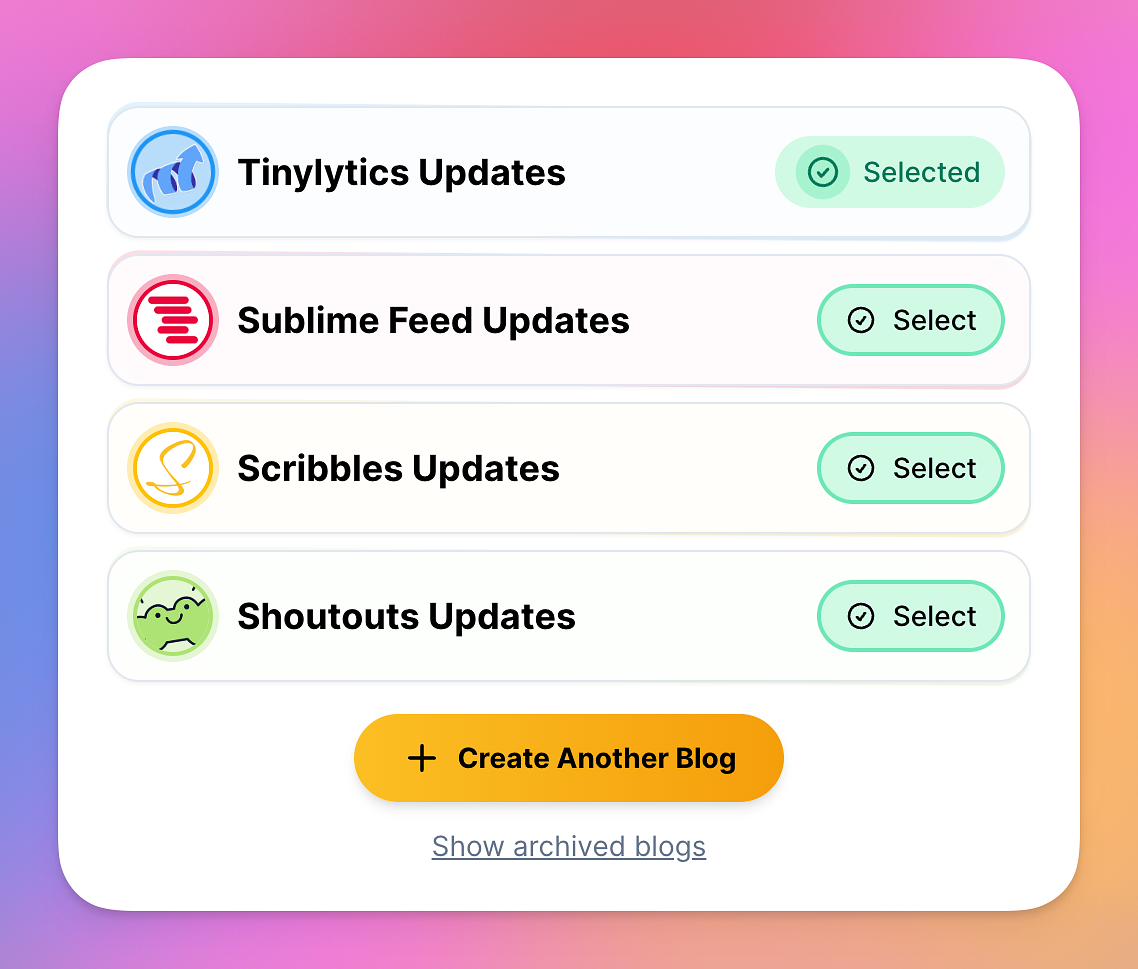
👾 Archived blogs now have their own page, so that there's a little bit less clutter. You'll see a link below the "Create Another Blog" on your account page if you have any archived.
🧹 Blogs on the account page now show a hint of their accent colour. Just looks nicer.
🐛 Fixed a bug where a blog was shown as selected, but wasn't actually selected — I know!
🐛 Fixed a potential issue when viewing posts, that contained an image, from your blog on the Micro.blog timeline. It seems someone used the same "Lightbox" class name in the CSS 😅 (it was me!)
👾 Enabled Apple Podcasts to be embedded with your content. Just copy the full share URL and everything else will just work — it will pick out if it's a whole podcast listing or an episode link.
🧹 Tweaked max heights on the post option options for categories and embeds.
👾 Added the ability to override the search text that is shown on the search bar on the archive page. Head on over to Overrides for your blog to change these.
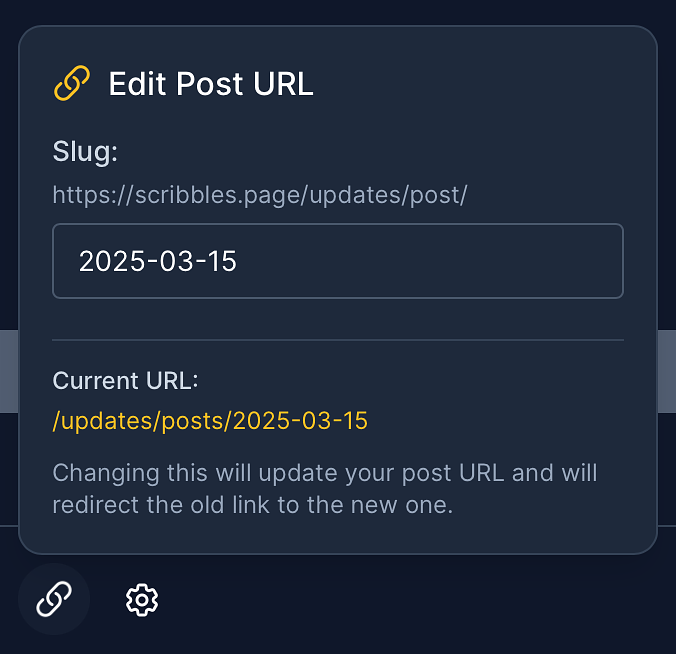
👾🚀 Added the ability to change your post url/slug after it has been published. Just change it and it'll save. This will also keep track of any previously used URLs and redirect to the new one automatically.
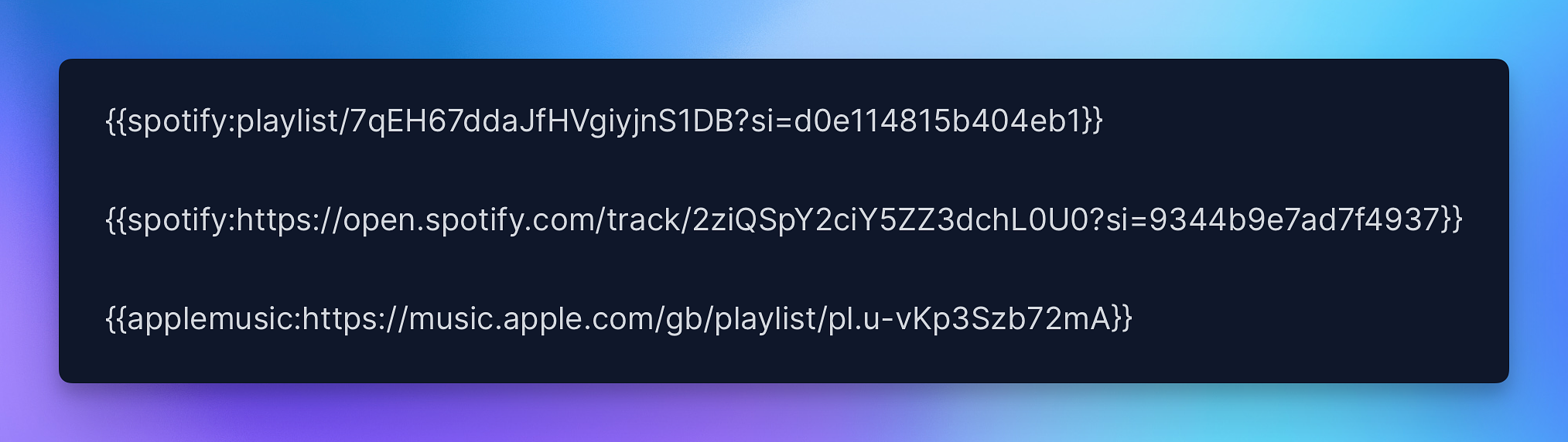
👾 Added the ability to add an Apple Music & Spotify embed using a shortcode. Just copy and paste the url and it'll do the rest.
👾 Considering the above, shortcodes with the full URL will now work also as it's smarter with removing what it doesn't need when rendering the page. So you can do something like this:
Shortcodes with full URL
🐛👾 Also fixed an issue with displaying the full shortcodes in the title and description of your post content (which the browser displays) — it'll now use some placeholder text instead, like [YouTube Video].
🐛 Fixed a bug where a post that would auto-save, but is then published, would be duplicated between draft state and a published state — creating two posts...
🤷♂️🏞️👾 Added experimental support for natively uploading images from a URL when you paste it into the editor — so copy a URL of an image, paste it into the editor, and it'll upload (hopefully). After upload you still have to delete the actual URL text (going to work on that, maybe). Enjoy.
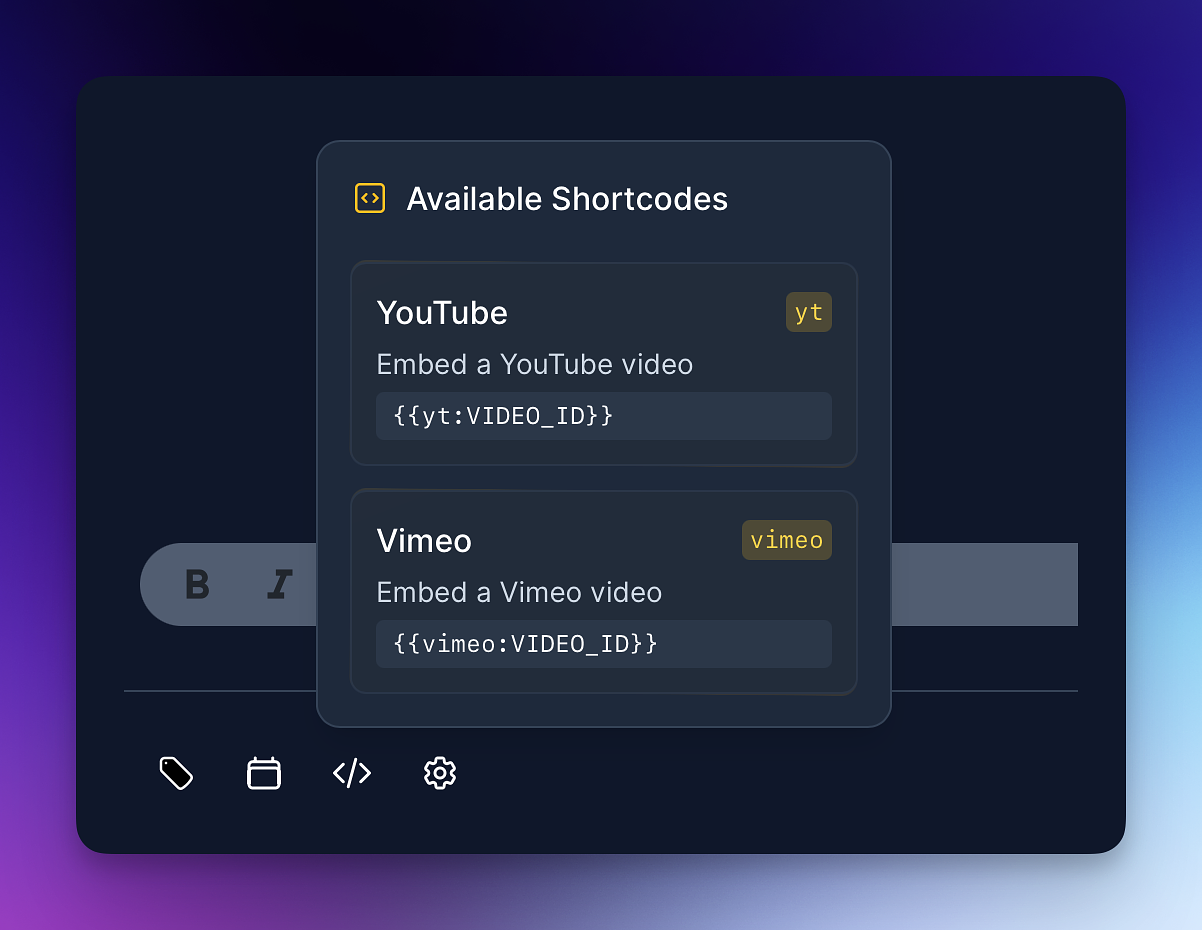
👾 Added a shortcodes shortcut pop-up to the editor so you can easily add available shortcodes. I'll expand these as I get requests, so let me know. Clicking on one will insert the necessary markup into the editor.
Shortcodes Pop-Up