The letter S, in dark yellow, in a curvy handrawn style Scribbles Updates

Changelog

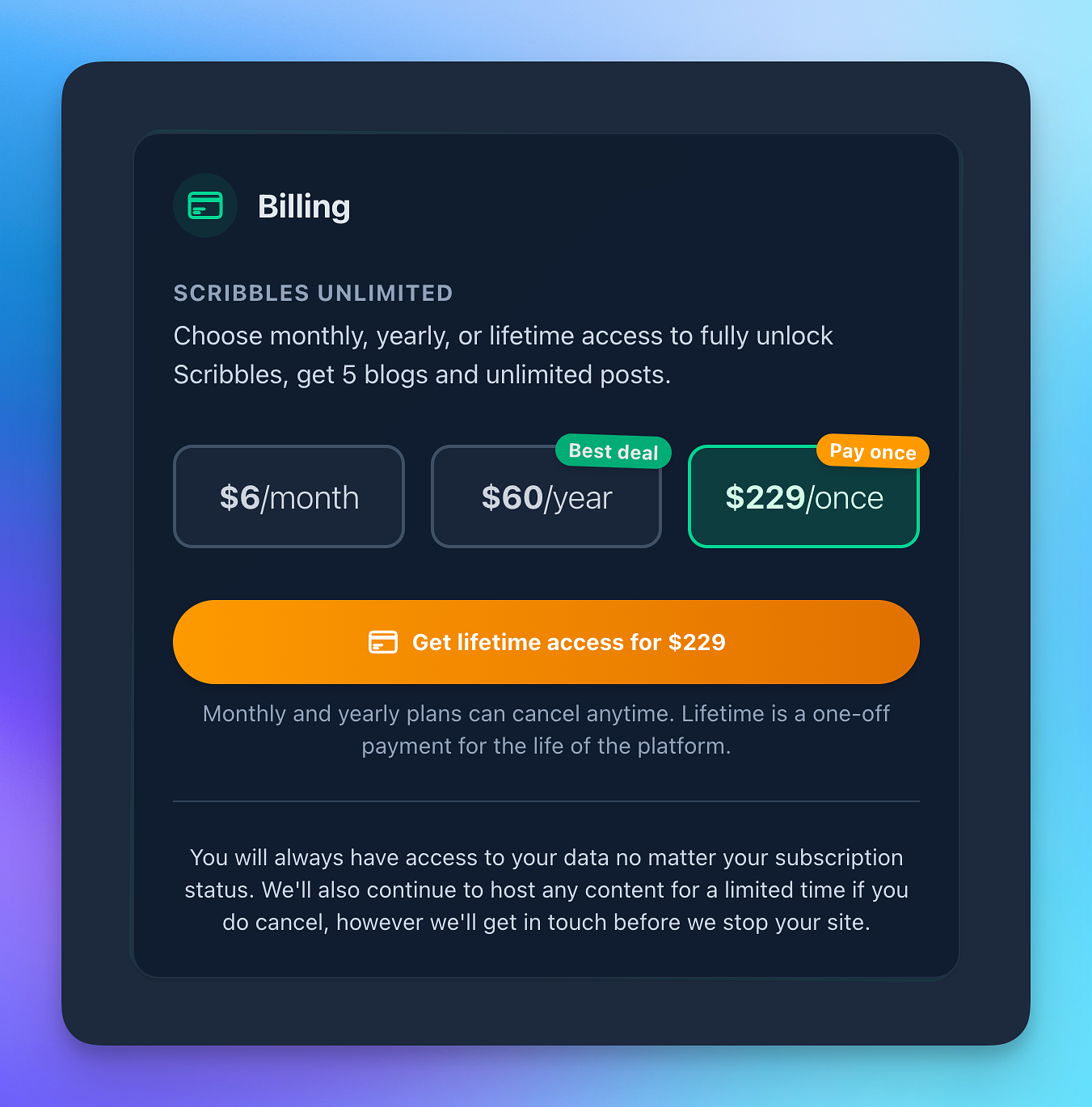
  • โœŒ๏ธ I re-added the lifetime plan option, after having removed it for some time. Thanks to all for asking me to do that. If you are subscribed already to a monthly/yearly you can still grab the lifetime plan.
  • โœจ Enabled the new editor for everyone now. Thank you to all for your feedback over the past months. If you see anything, just let me know.
  • ๐Ÿงน Re-added missing post options when editing a post or working with a draft, re-enabling the ability to change URLs and share posts that are in a draft state.
  • โค๏ธ And a big hello to everyone new here. Thank you! I am here if you need anything.
  • ๐Ÿถ Tweaked wording for the Small Web section so it's clearer what this is. "Kagi Small Web is an initiative by Kagi to humanize the web" โ€” with links to the actual Small Web site.
  • ... also cleared up some of the instructions.
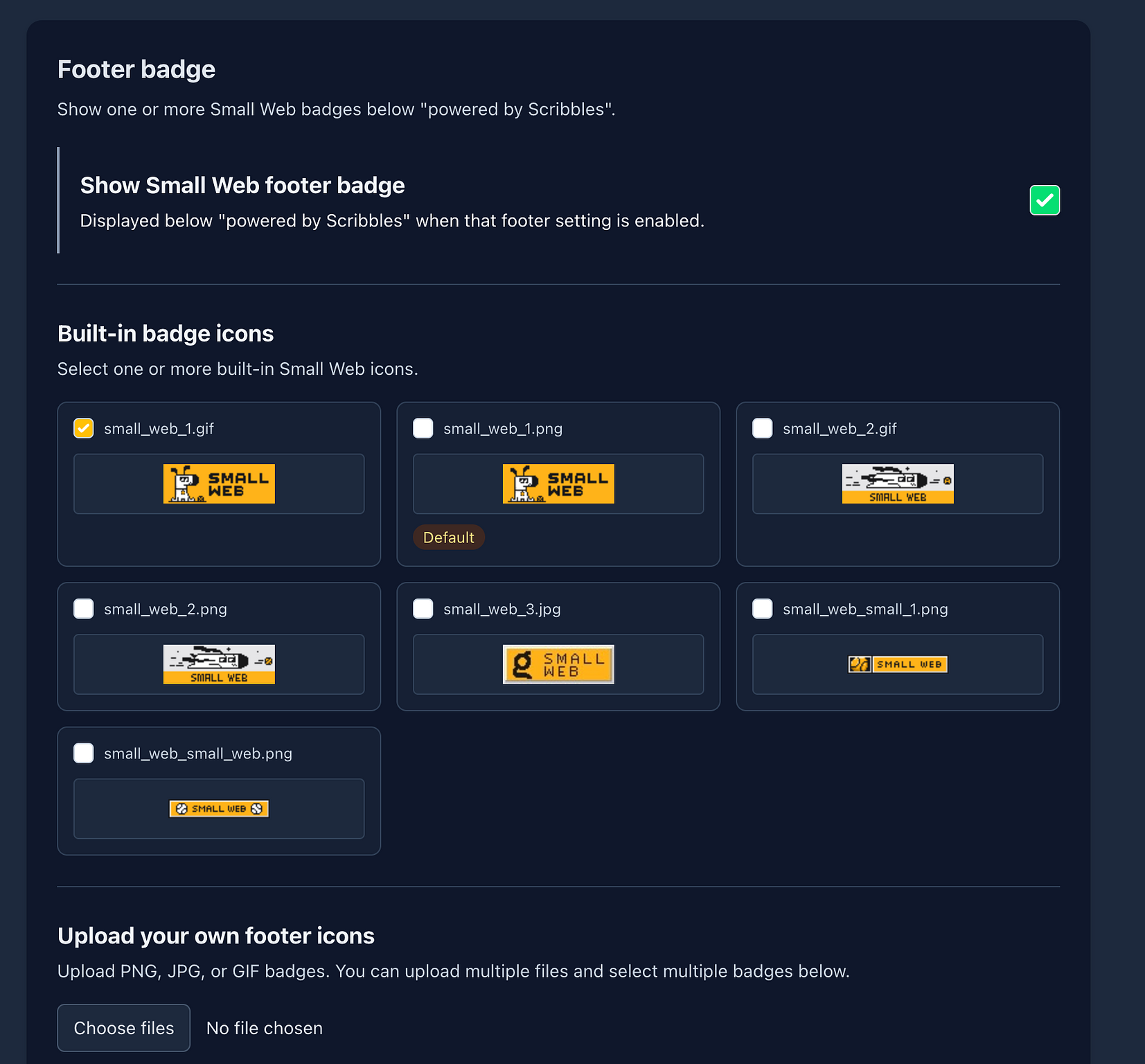
  • โค๏ธ Tweaked the footer icons for small web to link to the Kagi Small Web site instead of the GitHub repo.
  • ๐Ÿ’… Also, icons you upload yourself are not linked to Small Web โ€” only when you choose them from the Small Web gallery.
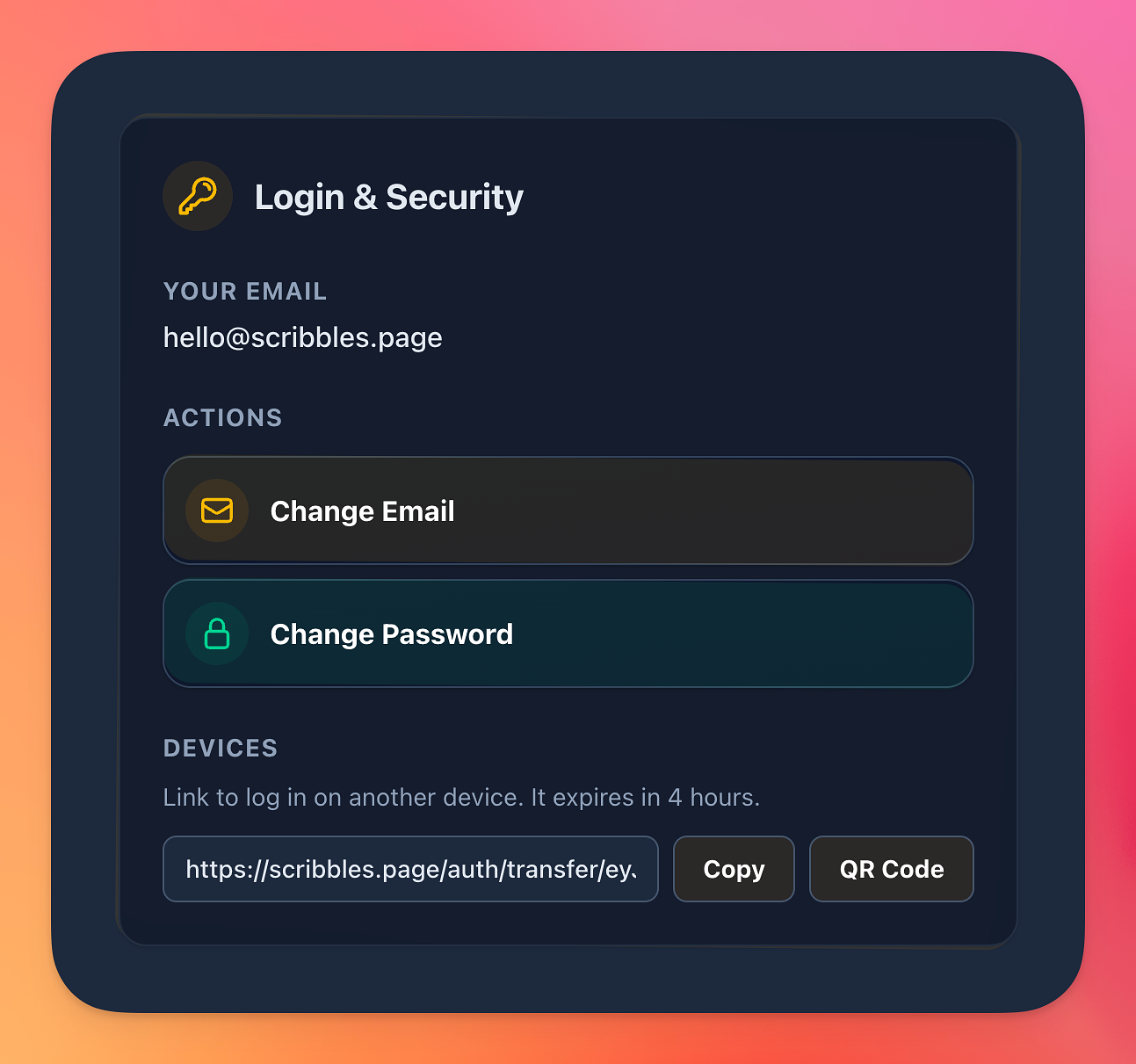
  • ๐Ÿ” You can now transfer your session to another device, without having to enter your email & password. Just head on Login & Security, and you'll see the "Devices" section with a one time code to use. Don't share this of course. You can also scan a QR code on your phone and it will do it for you.
  • ๐Ÿ› Fixed a bug when some images didn't load because we didn't recognise the format.
  • ๐Ÿ› Fixed an issue when you used single line breaks using the new editor, where the lines actually didn't break on your blog.
  • ๐Ÿ› Fixed a small issue where when you had comments enabled by Micro.blog and it showed "comments by micro.blog" when no comments were shown.
  • โค๏ธ Added a new section in blog settings called "Small Web", which shows info about the Kagi Small Web initiative and allows you to add icons to your footer.
  • โœŒ๏ธ In addition to the above, you can now also add your very own icons to show in the footer โ€” just upload them or use the small web ones. You can find these sections in Nitpick and Small Web.
  • ๐Ÿซง You can now set individual categories to be ephemeral instead of all posts โ€” great for categories that are meant to be fire and forget type posts, that don't need to hang around too much.
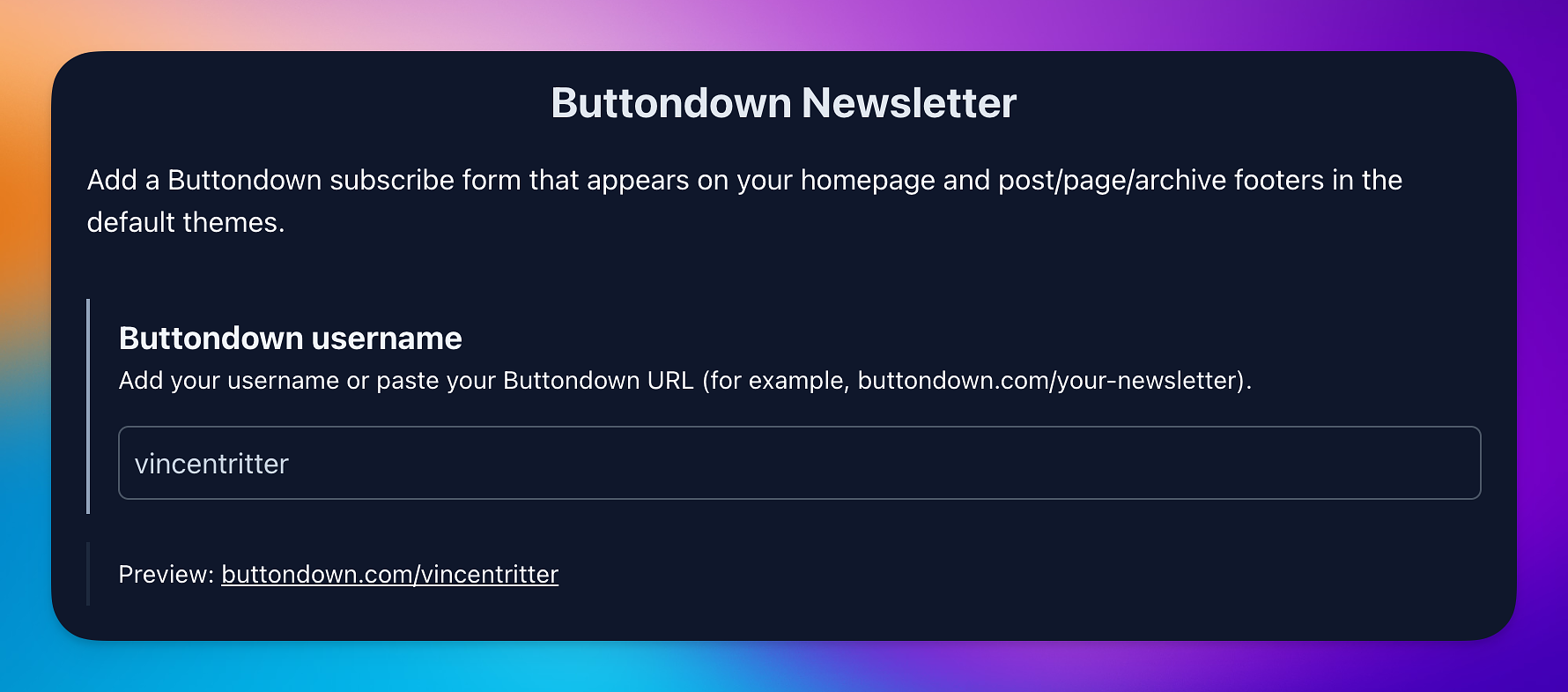
  • ๐Ÿ“ฐ Added extra settings for the Buttondown integration allowing you to change the title and add a short description.
  • โšก๏ธ There is a new "Actions" blog settings that, for now, enables sending a PING to Micro.blog to fetch your latest posts and get it into the timeline quicker.
  • โœŒ๏ธ Added a proper Archive Kit to backups, so you now get CSV, JSONL, and bookmark exports out of the box (great for Raindrop/EagleFiler and general peace of mind).
  • ๐Ÿ”— Exported posts now include cleaner canonical links, so sharing/moving your posts keeps pointing to the right place.
  • ๐Ÿ“ฆ Archives are now much easier to reuse โ€” you can pull your archive data in formats that are actually useful.
  • ๐Ÿ”Ž Search across your archive got a nice bump: faster and generally better at finding what you meant.
  • ๐Ÿงญ Added browser search support (OpenSearch), so your blog archive can be searched more directly from compatible browsers.
  • ๐Ÿ” Private blogs still behave as expected: archive exports stay protected behind your privacy/passcode settings.
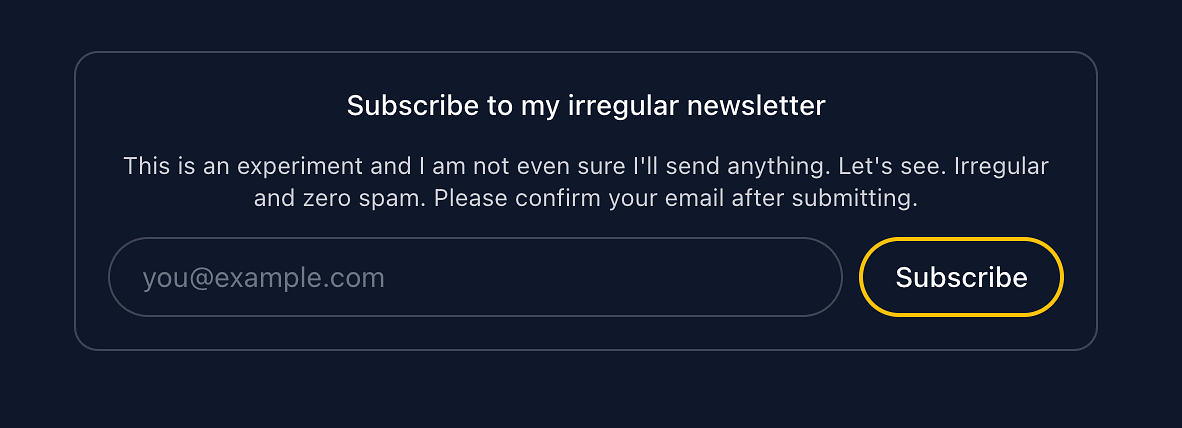
  • โœŒ๏ธ Added support for adding a Buttondown newsletter subscribe form to the footer of your website, just visit "Reply by Email, Newsletter & Form" on your blog settings page and set your username.
  • ๐Ÿ‘พ When using your feeds for categories or main feed across third-party services, like Micro.blog, and you have the option to show a "Reply by email" set up in your feeds, you can now include ?no_email to disable showing this with any given feed.
  • ๐Ÿฅด Fixed an issue that would return a 404 error when a web uptime monitor would hit your blog. Sorry. No actual downtime happened (because that's not how I roll).
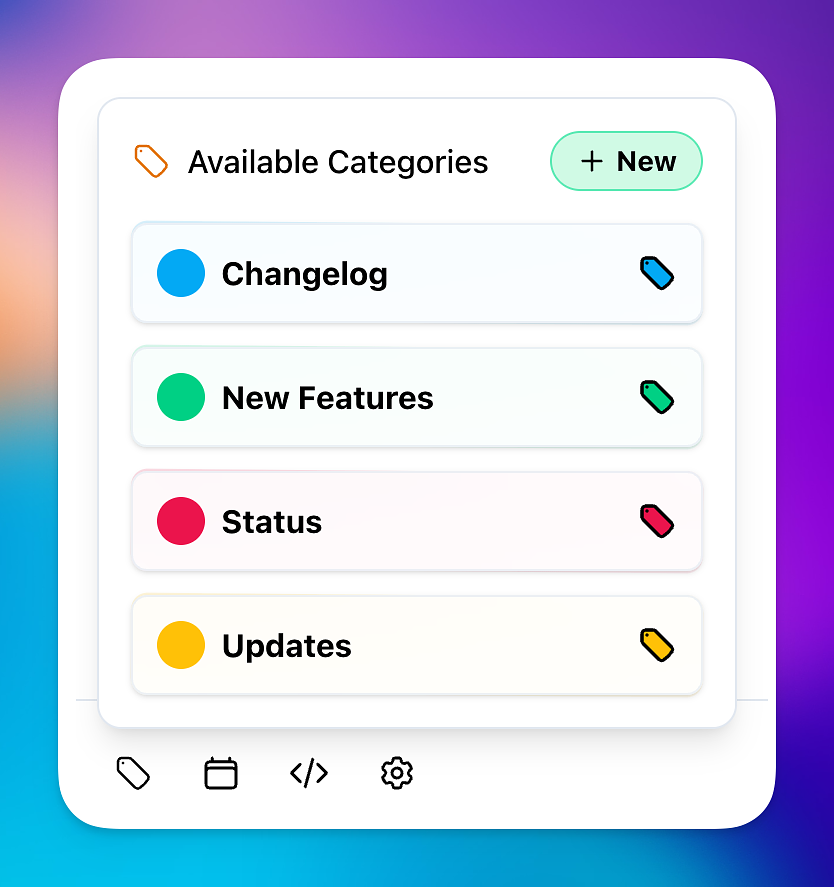
  • โœจ You now create a new category straight form the new post editor. Just click on the "new" button, add a name, create โ€”> and then select it. Easy. If you don't yet have the new editor enabled (enabled by default for new accounts), you can do so from your account settings page.
  • โœŒ๏ธ Added some random quotes on Explore. Keep you motivated.
  • ... of note โ€” if you are still using the original editor, I will be switching over to the new one come end of February.

Howdy! I made general speed improvements to the platform, especially loading large amount of assets in the admin panel. I've also gave Explore a bit of a speed bump so it's quicker and actually more reliable when data changes like blog icons.

โ€” Vincent โœŒ๏ธโค๏ธ

  • โœจ For new blogs that have registered, or for blogs that have not yet blogged or set up their blog, there is now a nice simple onboarding view to help you get started. You can always skip it if it's not for you.
  • โค๏ธ New blogs now have nicer "slugs"/urls โ€” no more random letters and numbers. Just words. Much nicer.
  • ๐Ÿ” If you were logged out recently, that was on purpose. I've removed some code, rewrote auth with the inbuilt Rails best practices (huh?). Small thing that I wanted to do. Happy! That means new account pages also and general flow, which you shouldn't notice.
  • ๐Ÿ’… Various visual improvements and betterment across different UI elements, like the account page and other areas.
  • ๐Ÿ’ต ... I changed payment provider for new accounts and for accounts that don't have a subscription. Happy days. The general checkout and billing experience just feels nicer โ€” and it... works. I know... blogging is more important of course.
  • ... and a few more things here and there.
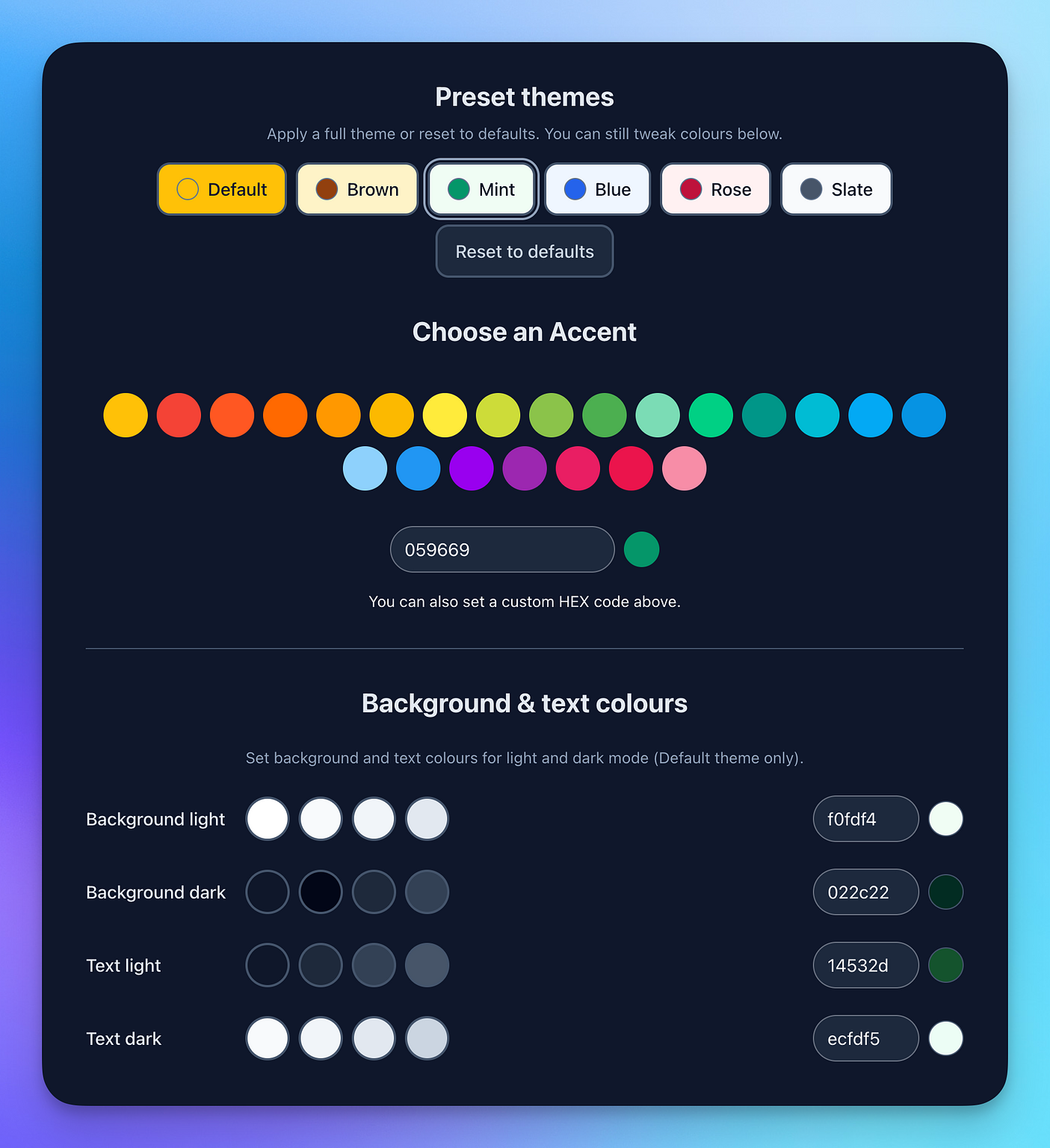
  • ๐Ÿ’… Added the ability to tweak some of your theme settings under Appearance in your blog settings. This works for the new default theme only. You can also quickly select some pre-made default styles to get quickly started or reset back to default. I'll expand this as I go.
  • โœจ The new editor, which you can enable in the account settings, now has some upgrades:
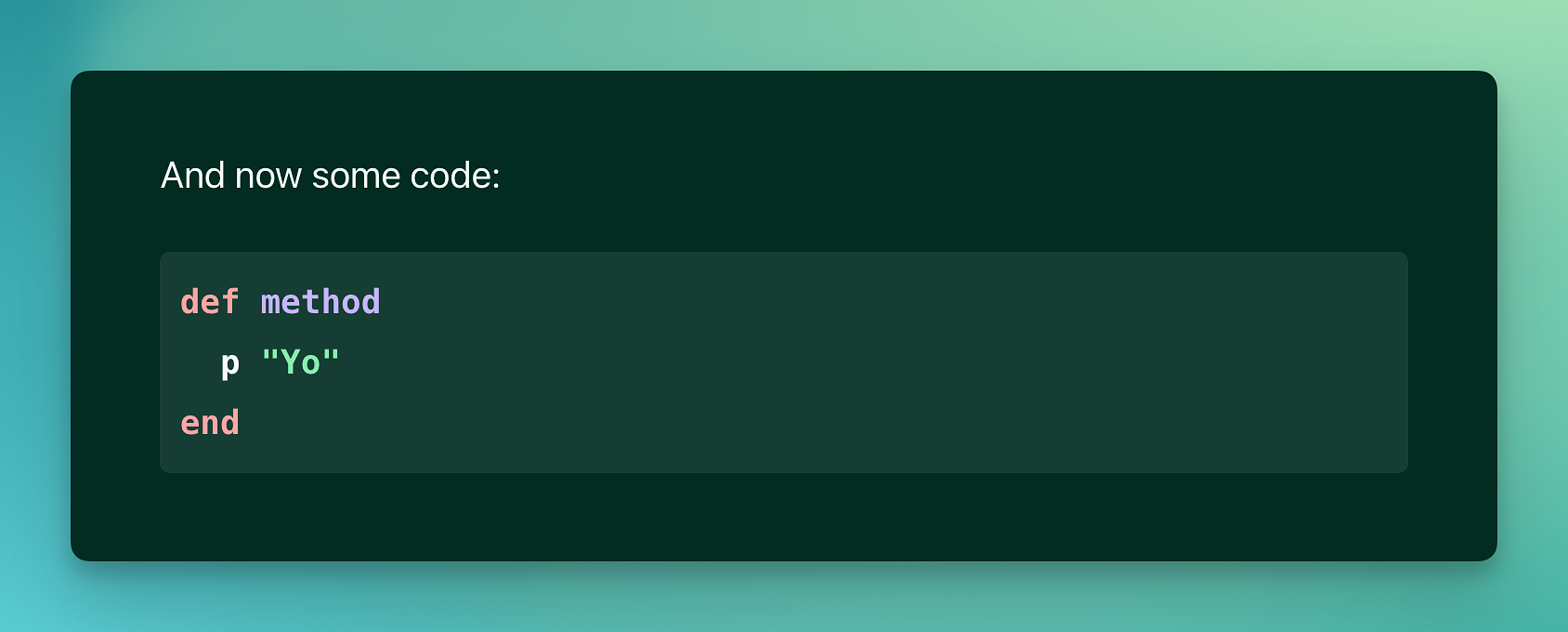
    You can now add alt tags to images and also add styled code blocks. Code blocks have a new dropdown that allows you to set a language of your choosing โ€” and this is correctly displayed on your blog when you're using the new default theme.
  • ๐Ÿ˜ And back to the new editor, you can also now trigger a pop up whilst typing to get to the shortcuts menu. Just type / and you're good to go whilst writing. Easy.
  • ๐Ÿ‘พ I am still working on integrating the new editor, so if you find oddities... you know where I live.

Happy blogging!

โ€” Vincent โœŒ๏ธโค๏ธ

powered by Scribbles