
Al-in-one Organization With NotesNook
Overview and pricing
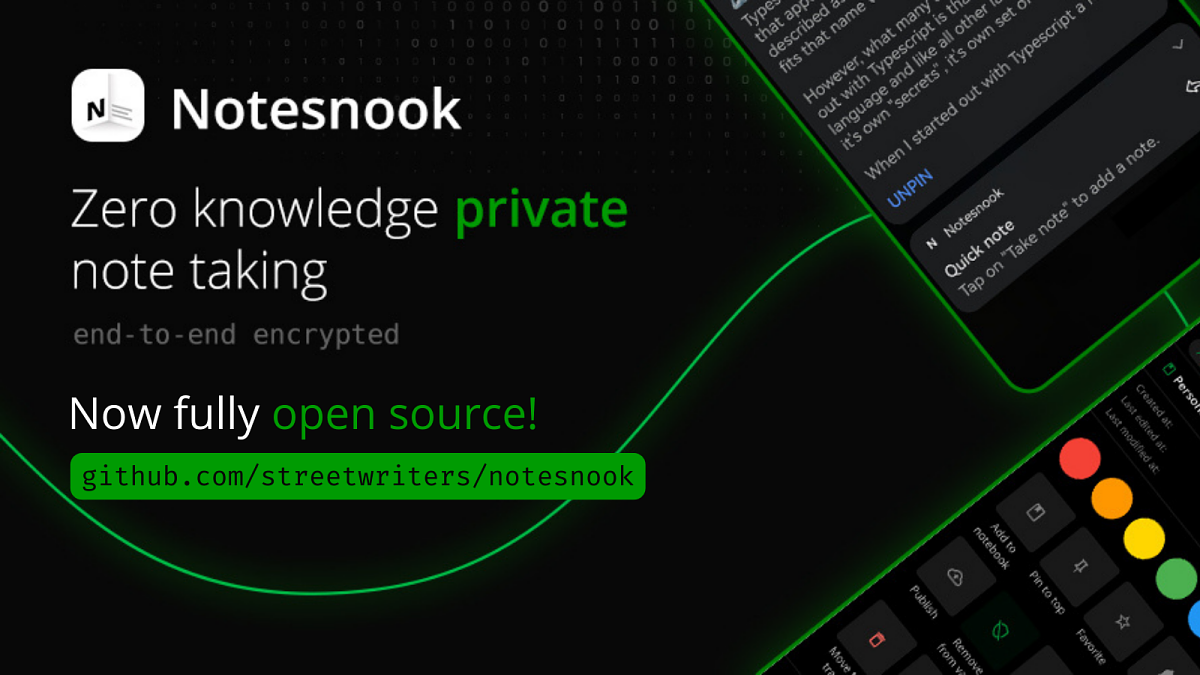
Then I rediscovered NotesNook. This is a freemium, open-source note taking app that I tried for a while last year, but can't remember why I didn't stick with it. It has some of the best features of Evernote, Google Keep, and a task manager. The free tier gets you the basics:- Zero knowledge encryption
- Sync to unlimited devices
- Offline access
- Unlimited notes
- Export note as text
- Limited organization
- Full rich text editor
- Unlimited attachments
- Unlimited storage
- Private vault
- Export notes in PDF, HTML & Markdown
- Recurring reminders
- Unlimited notebooks & tags
Open source, private, and available everywhere
To quote the founder of NotesNook: “Everything is encrypted, even the titles and the metadata are encrypted on the client using libsodium. Data is transferred to the cloud over https and is kept encrypted on the cloud.” For portability, notes can be exported in PDF, HTML, markdown, or plain text. You can also export in bulk on the desktop clients. Speaking of clients, they have them for Windows, Mac, Linux, iOS, and Android. There is also a web app, and a web clipper browser extension. You can download the APK for Android directly from their website, Github, or get it from F-Droid. No Google Play Store required!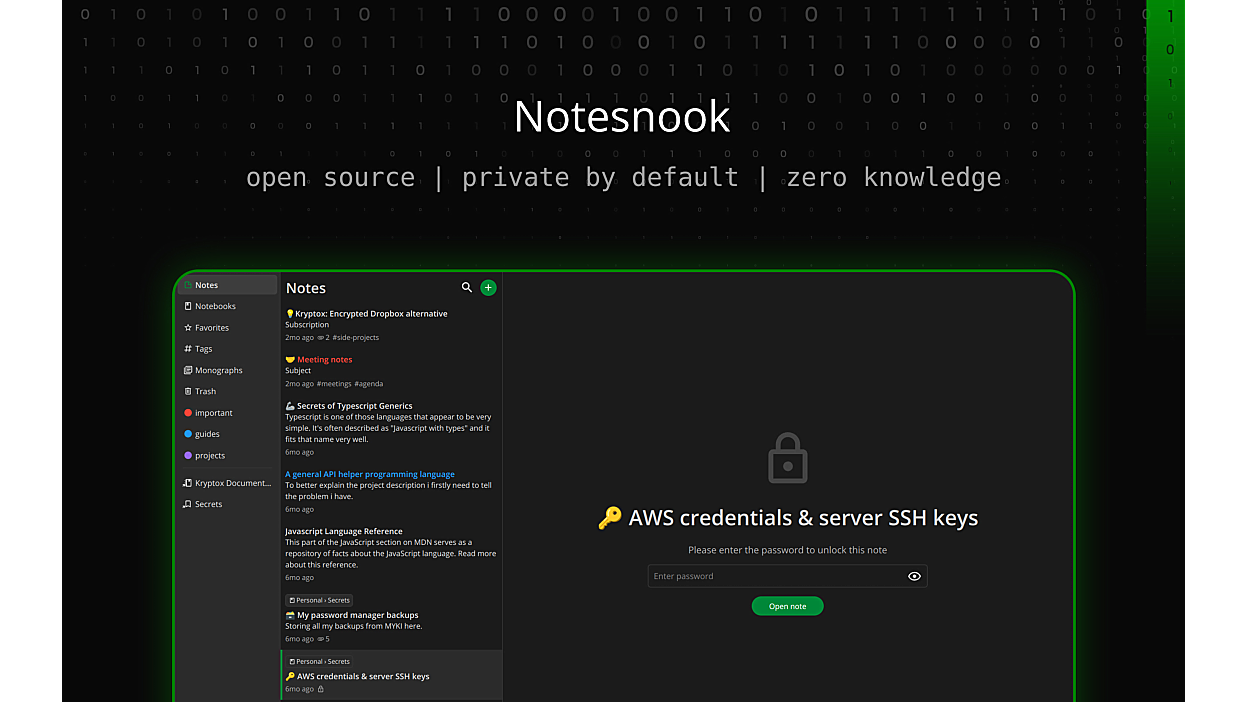
The organization app that does (almost) everything
Now on to the features. NotesNook organizes notes via notebooks, topics, and tags. Notes can be placed directly in a top-level Notebook, or within a topic inside a notebook. In the beta version, topics have been changed to nested notebooks. Which, in my opinion, makes more sense. Multiple tags can be applied to any note. Any tag or notebook can be added to the left side menu as a shortcut, and notes can be added to Favorites. Notes and notebooks can also be pinned to the top of their respective lists.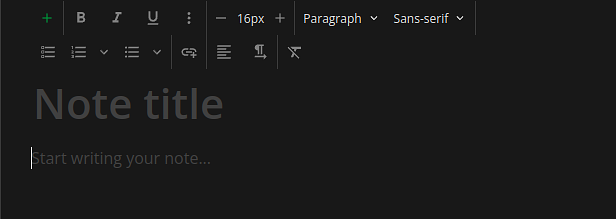
NotesNook makes note-taking simple, easy to use, private, and secure. Their apps are beautiful, snappy, and well-designed. There are several competitors in this area but none quite as fully featured as NotesNook, and few are open source. In my opinion, it’s well worth the $50/year to support a nice open-source app created by a small team of friendly and responsive developers.
The verdict
There’s only one thing I feel is missing from NotesNook, and that’s basic calendar functionality. It’s the one thing I miss from a more full-fledged task manager, like TickTick. I would love the ability to view my calendar within the app, attach notes to calendar events, and sync reminders to my calendar. I will be submitting this as a feature request to the development team, who are very responsive via their Discord server.
What it’s missing
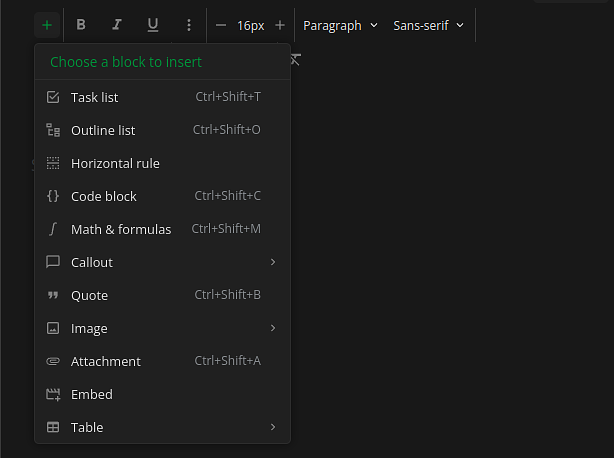
The note editor is pretty standard, with a choice of sans-serif, monospace, and serif fonts. It supports task lists and outline lists, code blocks, formulas, quotes, tables, and more. You can attach images and other files to notes as well. The editor has a focus mode that hides the sidebars, and the app has both light and dark modes, as well as a few dozen community themes. I prefer the Catppuccin theme.
The killer features for me are reminders and monographs. Reminders can be added to any note, or they can be created standalone. The NotesNook app collects all reminders, both those attached to notes and standalone, under the Reminders shortcut in the menu. It does support recurring reminders, which is an important feature for me personally. Monographs is a feature that allows you to publish a note with a public URL. You have the option to set an expiration for the shared note, or you can leave it published forever until you manually unpublish it. You’re also able to add password protection to your published notes.